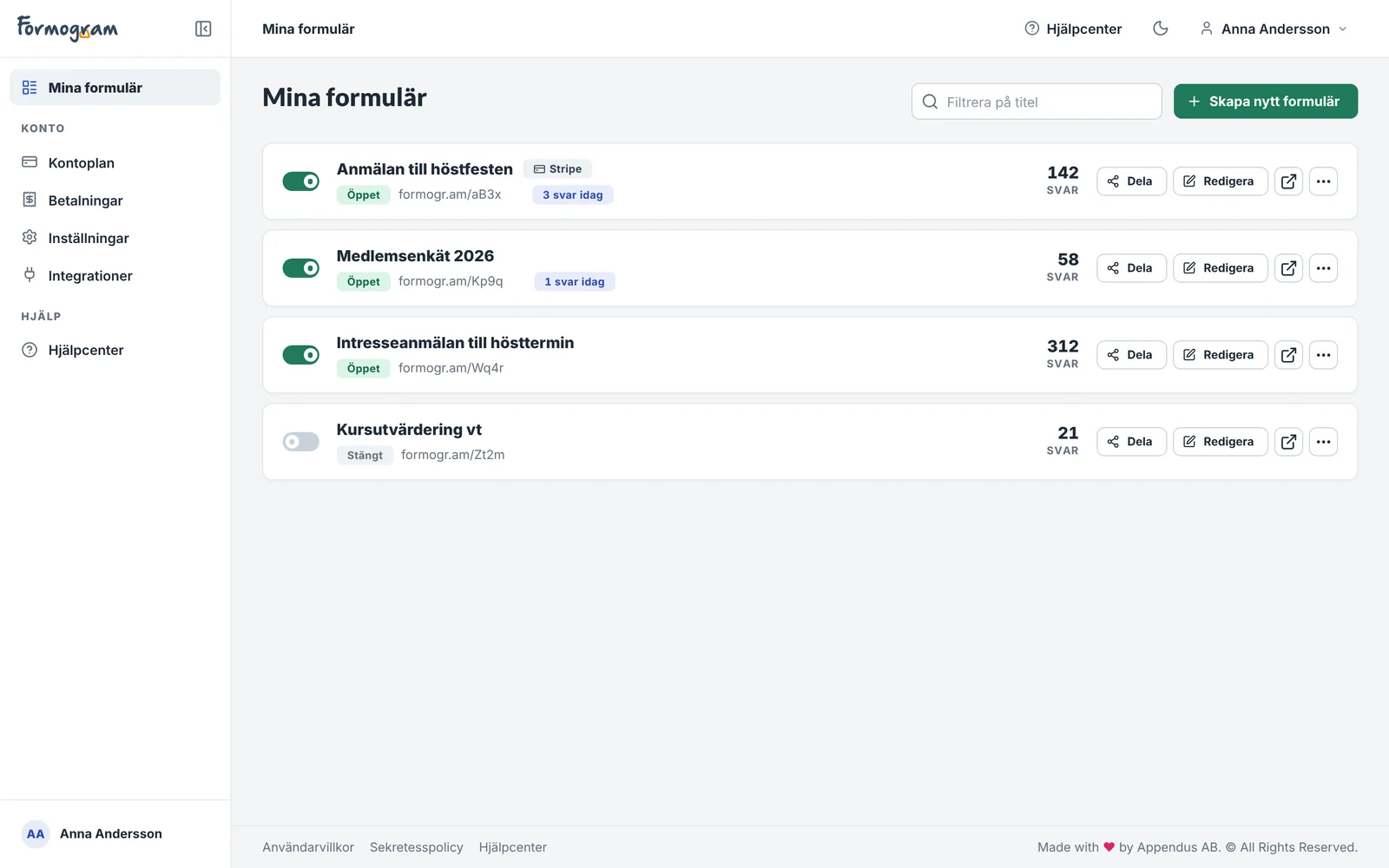
A better way to handle forms
Everything you need to build a form, share it and handle the responses. Here is what's included, and support is always included.
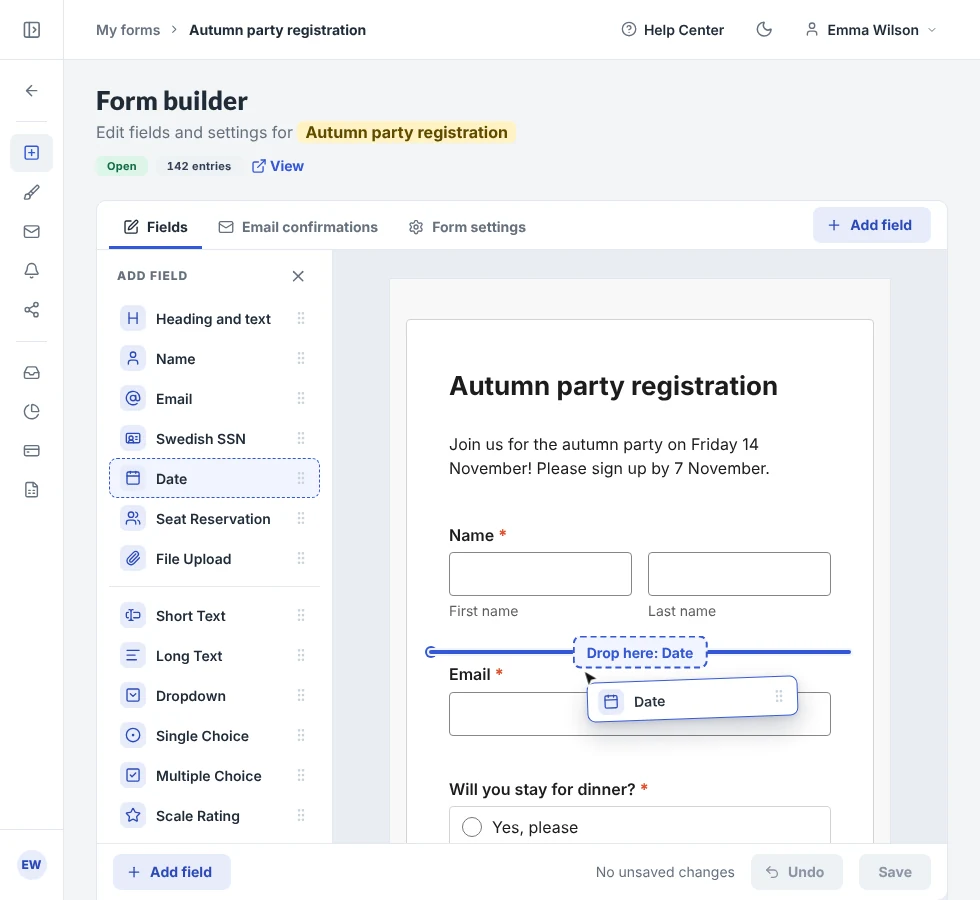
Drag fields to where you want them
Open "New field" and drag the field exactly where it belongs, or click to add it after the selected field. The form in the builder looks just like the public one, with your colours and fonts.
Your form, your style
Choose colours, fonts, a background colour or image, and add your own pictures. You see the change right next to the settings. No code needed.
- Made for phones, where most people respond
- Clear error messages right at the field
- Fast pages, even on a poor connection
A link, an embed or a QR code
Every form gets a short address on formogr.am. Paste it into an email or social media, embed the form on your website or print the QR code on a poster.
Take payment in the same form
Charge for conferences, concerts and dinners, sell products or collect donations. Payments go securely through Stripe, and the money goes straight to your own Stripe account.
- A receipt for the payer that also looks good printed
- Payment status shows on every response
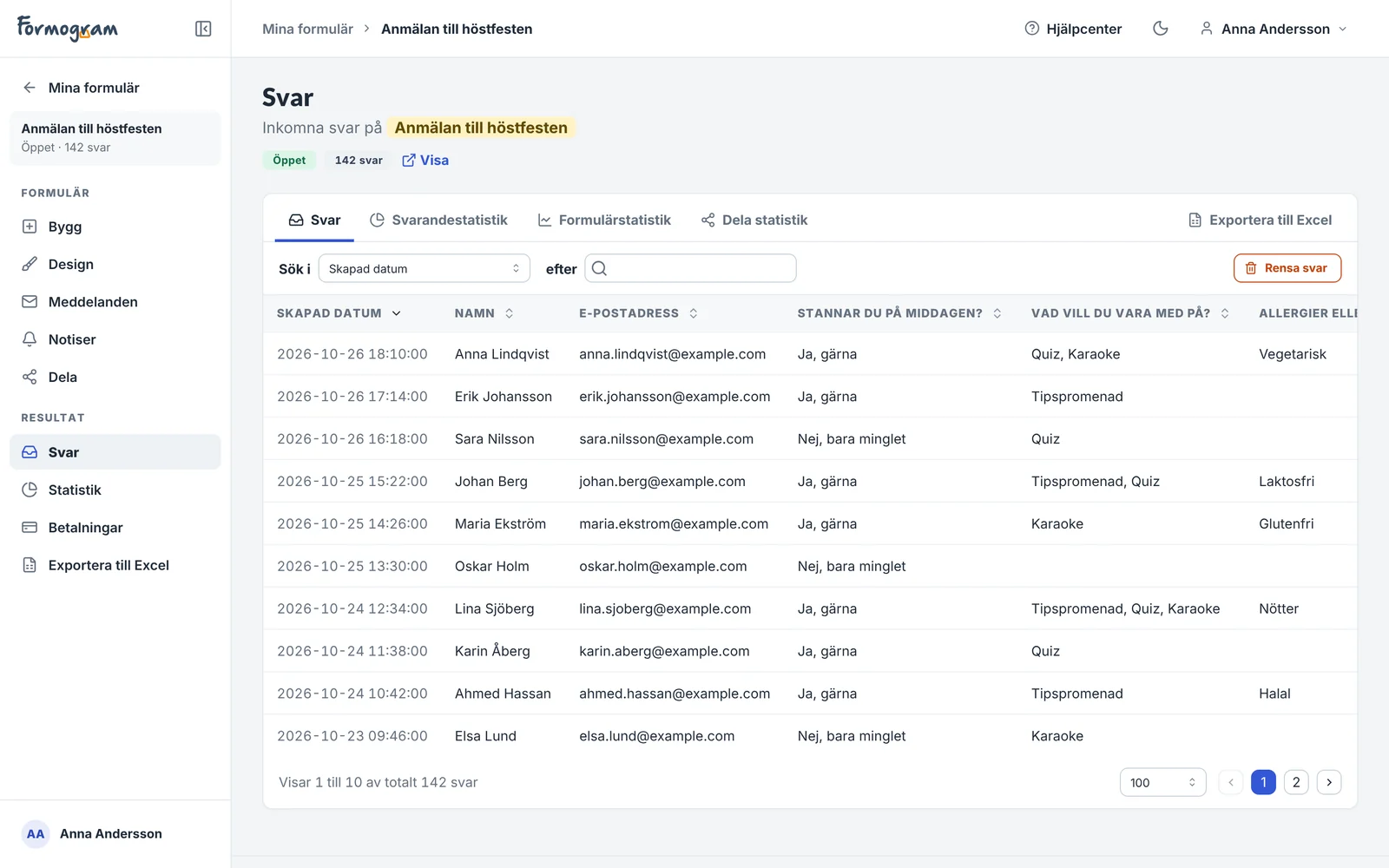
Your responses, where you need them
Search a column, sort and page through. Open a response to edit, print, delete or add an internal comment. Export everything to Excel in one click.
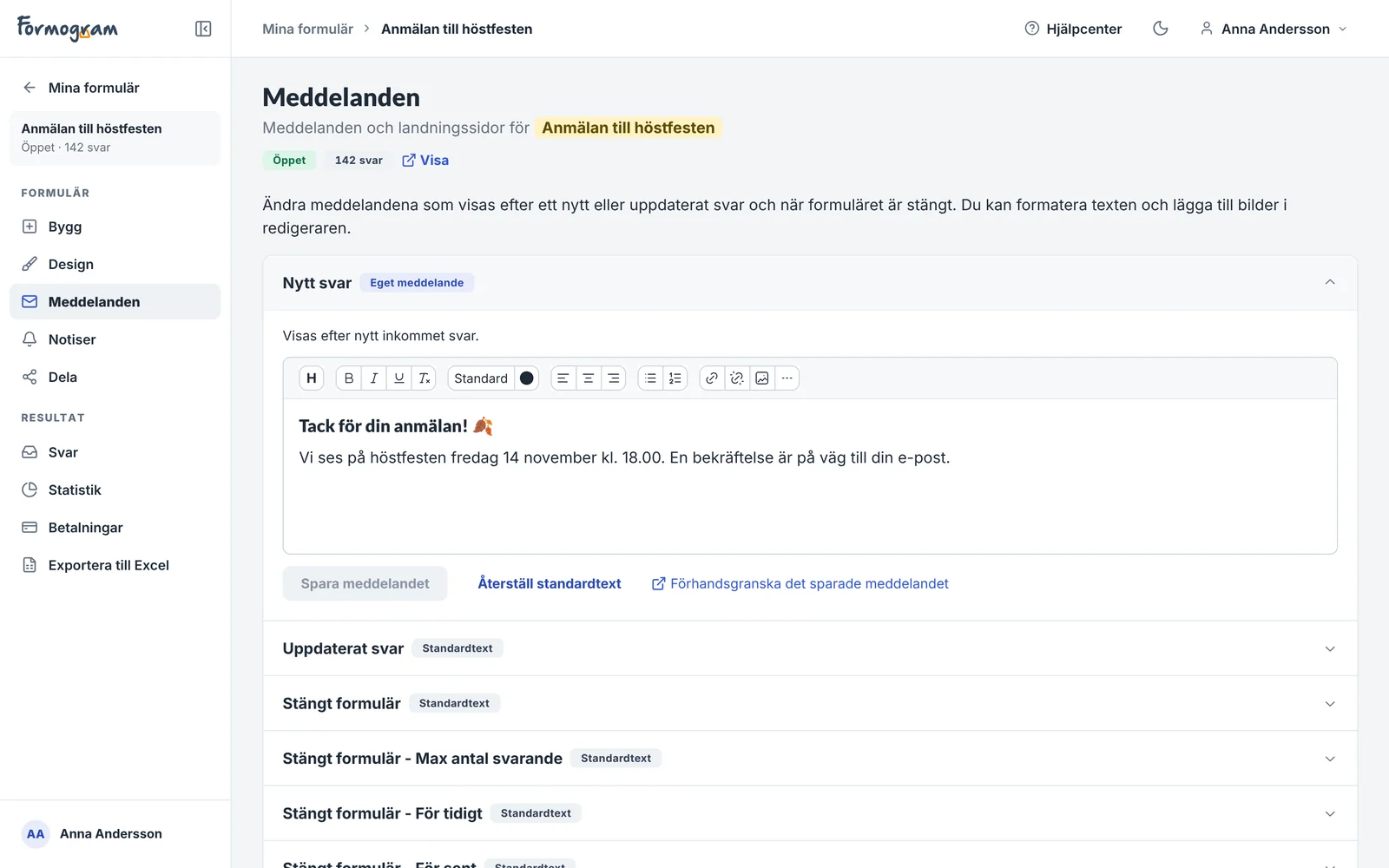
The right message at the right time
Every text your respondents see is in one place: after a new or updated response and when the form is closed. Format, link and add images. Get an email for every new response and send your own confirmation to the respondent.
Safe handling of personal data
Formogram is owned, developed and run in Sweden. Security is a natural part of the service.
Personal data
Stay out of notification emails unless you turn them on yourself.
Sign-in
Google, Microsoft or email. Modern password storage and protection against repeated attempts.
Encrypted and backed up
Encrypted traffic, reCAPTCHA against spam and continuous backups.
Sensitive data
Stored encrypted and never shown in plain text.
Easy to leave
Delete your account and all its data yourself under Settings.
Personal support
Click Support in the app to reach us directly.
Prefer working in the dark?
Click the moon at the top right and the app switches to dark mode.